Most changes in a Google Ads account are judged by comparing this month with last month. That comparison is contaminated by seasonality, competitors, budget changes and conversion lag, so it rarely proves anything.
Campaign experiments solve this by running the original campaign and a modified copy at the same time, in the same auctions. Google calls the standard version custom experiments. Done carefully, they are the closest thing Google Ads has to a controlled test.
What a campaign experiment is
A custom experiment compares your original campaign, the control, with a trial campaign that carries the change you want to test. Google’s help page on custom experiments lists Search, Display, Demand Gen and auction-based Video campaigns as supported. Shopping and App campaigns are not covered by standard custom experiments, and the campaign should use a standard bidding strategy rather than a portfolio strategy. A campaign that uses a shared budget may not appear as an option.
Typical things worth testing are a bidding strategy or target, a landing page, a set of assets or a change to match types. The rule is to test one idea at a time.
Setting one up
- Create the experiment. Open Experiments from the Campaigns menu, choose the plus button, select Custom and pick the campaign type.
- Name it and choose the campaigns. Use a name that is different from your campaigns, and set a suffix for the trial campaign so it is easy to spot.
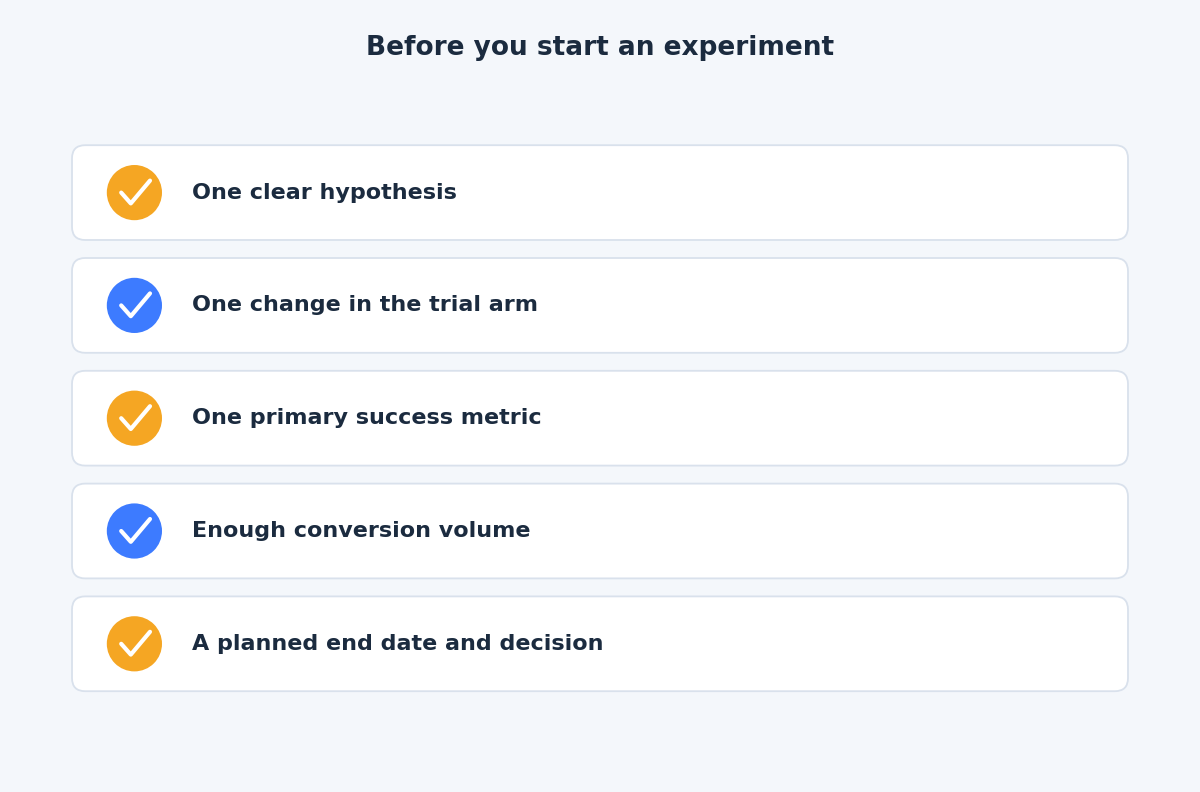
- Pick your success metrics. Google lets you select up to two goals, such as clicks or conversions. Decide them before you see any data.
- Set the split. Google recommends 50% for the best comparison between the original and the experiment.
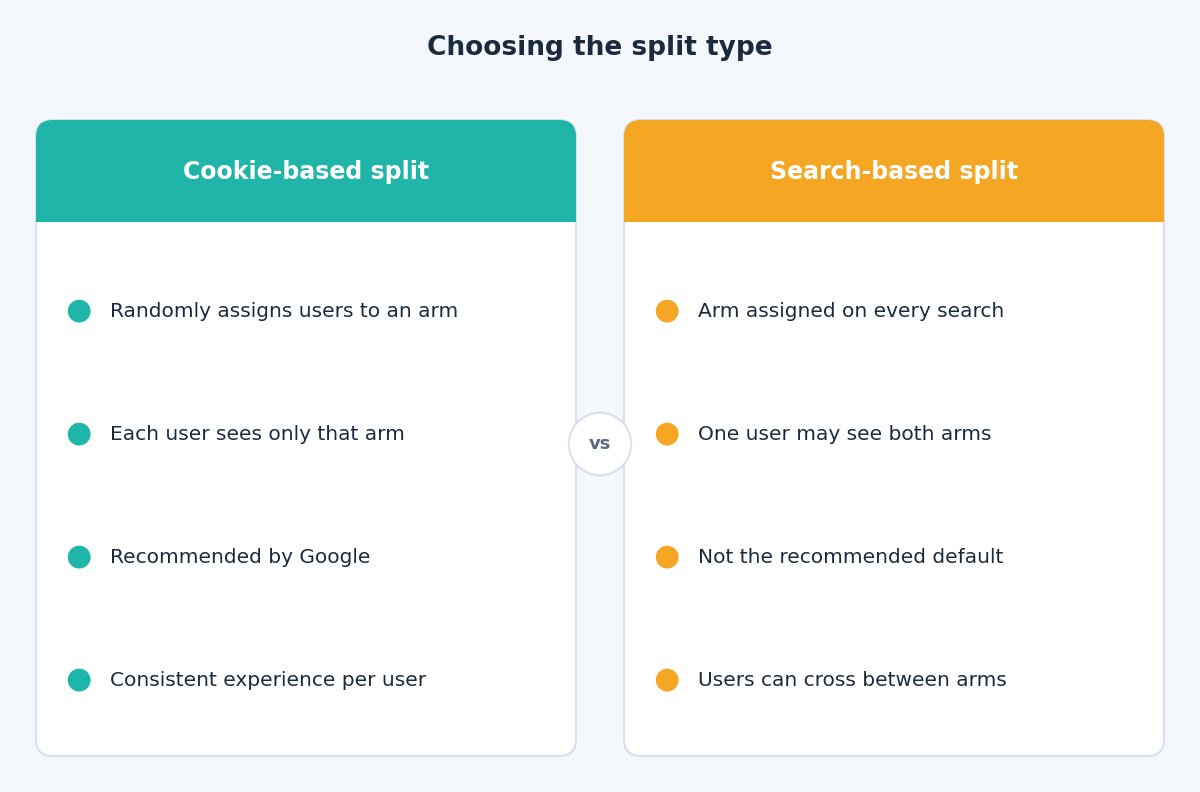
- Choose the split type. Cookie-based, which Google recommends, assigns a user to one arm only. Search-based reassigns on every search.
- Schedule it. Choose a start date and a duration, then make the change you are testing in the trial campaign.
Traffic split and budget
Google’s experiments FAQ explains that a 70-30 traffic split sends 70% of traffic to the control and 30% to the trial. It also says the split percentage cannot be changed after the experiment is set up, so decide it carefully.
Traffic and spend are not the same thing. The FAQ notes that spend may not divide evenly even with an even split, because ad rank, bid strategy performance and user engagement differ between arms. That is expected, and it is part of what you are measuring.
The daily budget rules still apply. According to the FAQ, experiment campaigns can spend up to twice the daily budget on a given day but not more than 30.4 times the daily budget over a month.
How long to run it
A frequent mistake is stopping too early. Google’s FAQ recommends running an experiment for at least 4 to 6 weeks, or longer if you have a long conversion delay, and waiting for one to two conversion cycles. Other help pages give shorter figures, such as allowing 7 to 14 days for the trial to stabilise, which is a settling period, not a verdict.
If you use Smart Bidding, the ramp-up matters even more. The FAQ says the first seven days of data are discarded to account for the experiment ramp-up time. Plan for a settling period at the start and a lag period at the end, and only make the call on complete data.
Reading the results
Google’s page on monitoring experiments explains how the scorecard works. The first line under each metric is the experiment’s data, and a range shows the possible difference between the two arms. The default confidence interval is 80%, and you can change it. A blue asterisk marks a result that is statistically significant, meaning it is likely not due to chance.
A few rules make the reading cleaner:
- Start with your primary metric. If you chose conversions, do not switch to clicks because it looks better.
- Read the range, not only the midpoint. A range from minus 5% to plus 20% is not a win.
- Accept an unclear result. “No clear winner” is a valid outcome. It usually means the change did not matter much, so choose the option that is cheaper or simpler.
- Apply deliberately. You can apply the trial settings to the original campaign, or convert the experiment into a new campaign.
Common mistakes
- Changing several things at once. You will not know which one worked.
- Editing the campaigns during the test. Google says this is not recommended, and changes made to the original campaign are automatically applied to the trial, which muddies the comparison.
- Running overlapping experiments. Google advises against running several at once because they can interfere with each other.
- Ending it manually and expecting an automatic apply. Google says it only applies experiments that end on the end date you set.
- Testing with too little data. Low conversion volume produces wide ranges and no answer.
The takeaway
A clean experiment has one hypothesis, one change, a 50% split, a fixed end date and a metric chosen in advance. Give it time, read the range and be ready to accept “no difference”. If you would like help designing a test for your account, get in touch through the contact page and we can plan one together.
Related reading
- Data-driven attribution and conversion lag: why recent days look weak and when to judge results.
- Smart Bidding targets after the August update: how to set targets that hold.
- Performance Max asset groups and audience signals: what you actually control in an automated campaign.